Forgotten Password
- Navigate to Basilbackoffice.com on any device.
- Select Forgot Password and enter email address.
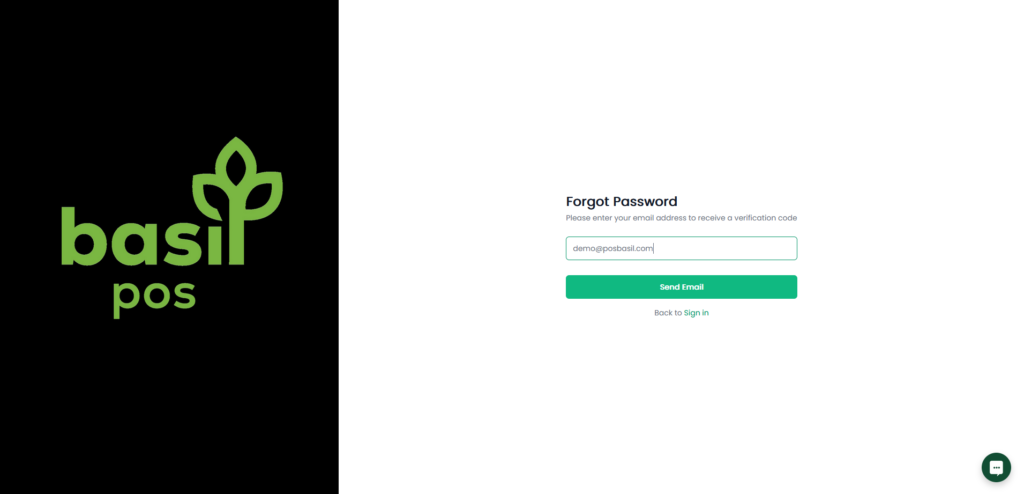
3. An email will be sent if the account exists with a temporary password.
Changing Known Password
- Sign into basilbackoffice.com on any device.
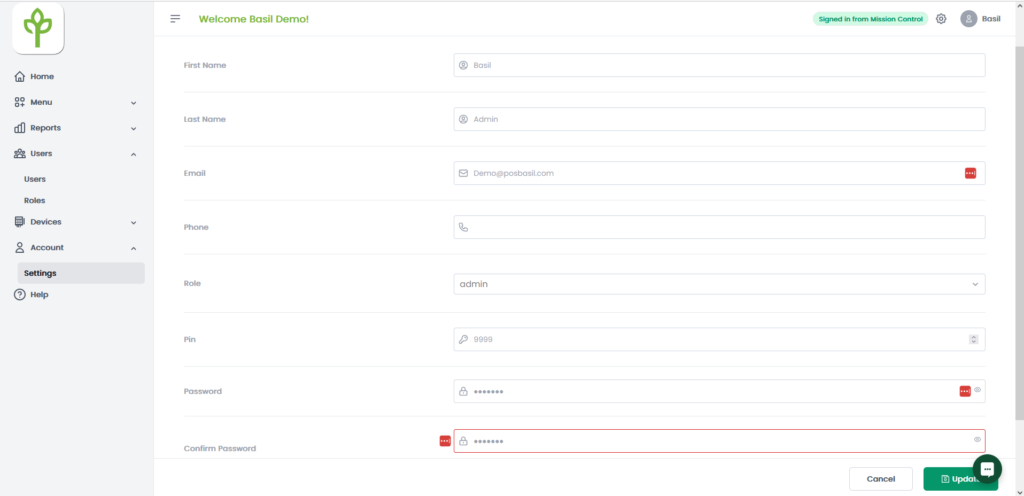
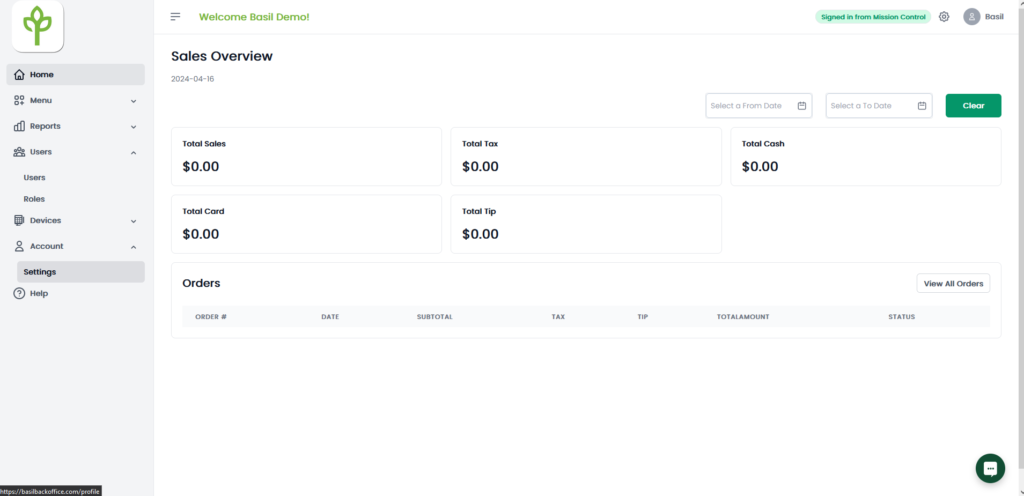
- Navigate to ‘Account’ on the bottom left and select ‘Settings’
3. Enter your new password and select ‘Update’