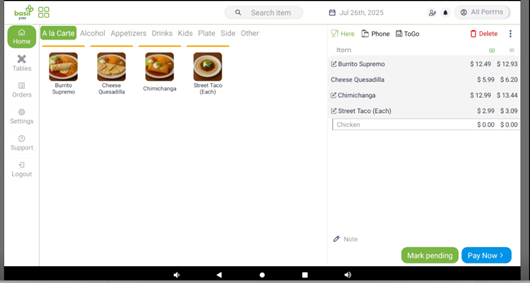
1. Take the order and hit pay now:
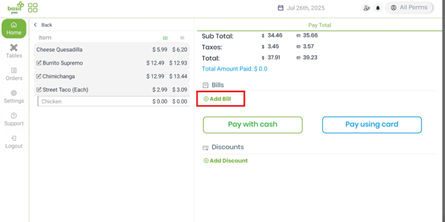
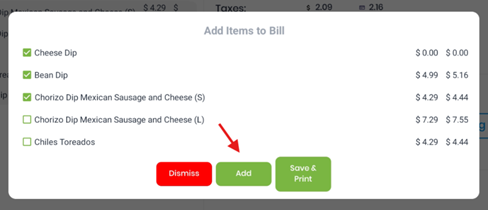
2. Click “+ Add bill” to start Bill 1, then select all the items that should be included. After that, click “+ Add bill” again to create Bill 2 and select its items.
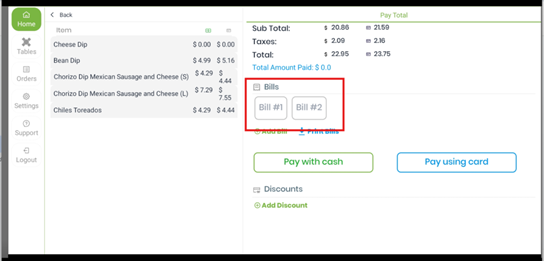
3. Once items are assigned, tap Bill #1 and choose Pay with cash or Pay using card. Then repeat for Bill #2 to complete payment.