
- On your POS, tap on the settings button
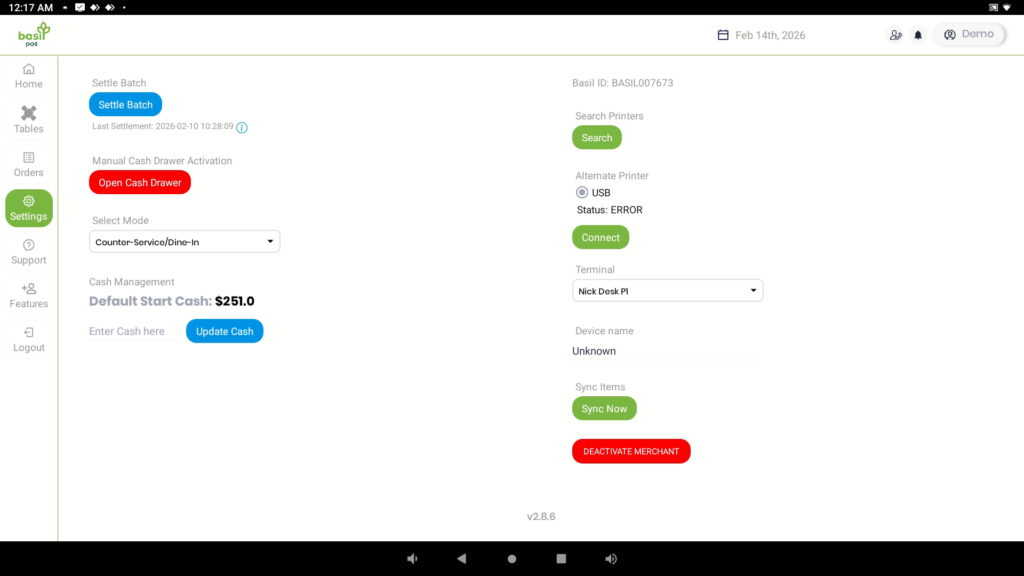
- Tap on the blue “Settle Batch” button
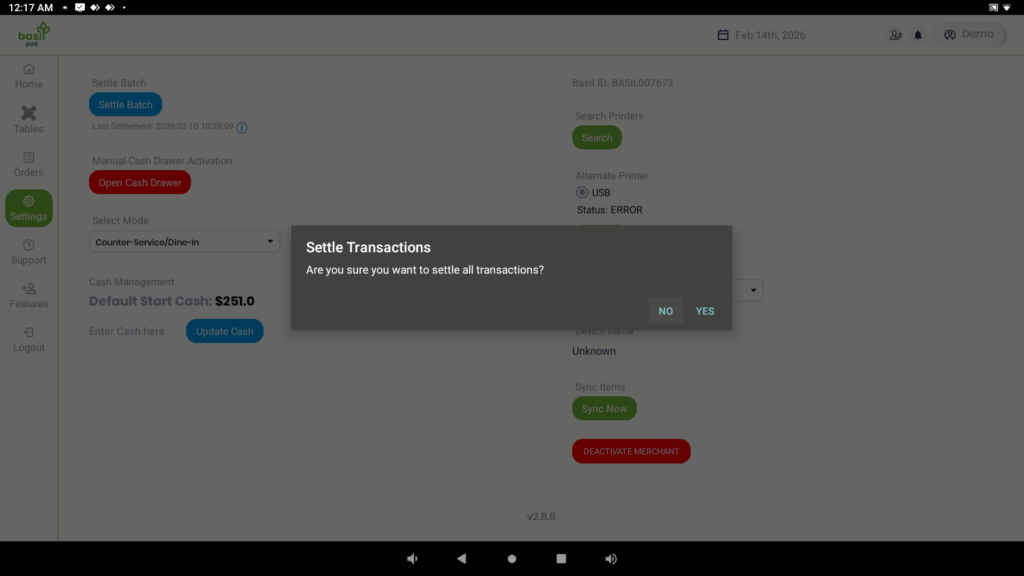
- A message will appear to confirm, Tap on Yes
- The batch will settle and print the report on the Card Reader (make sure that the reader is powered on, connected to WiFI and on the POS Online Screen for QD4 or Listening for Transaction for P1/P8)
Additional
If this does not work or you notice inaccuracies, contact us through Call, SMS, Email, or our Chat option.


