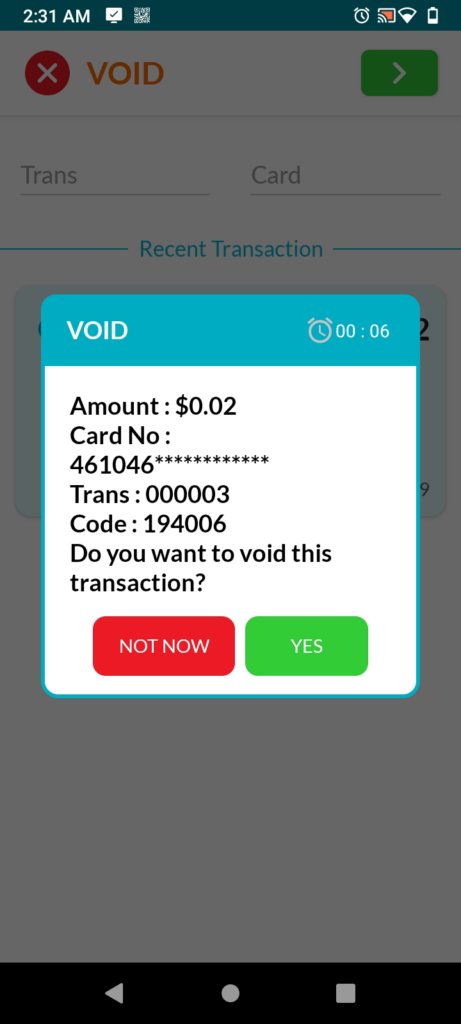
(THIS IS NOT RECOMMENDED UNLESS YOU ARE SPECIFICALLY TOLD BY TECH SUPPORT TO DO SO. IT WILL MESS WITH YOUR EOD REPORTS.)
You can find how to void from your POS here which will reflect in EOD reports.
Steps to Void a Transaction on the Card Reader
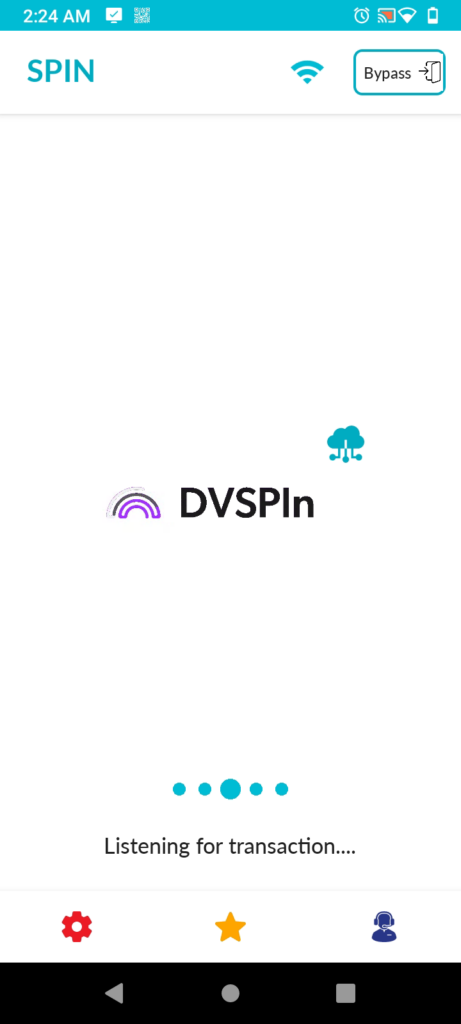
- While on the DVSPIn screen, press “Bypass” in the top right.
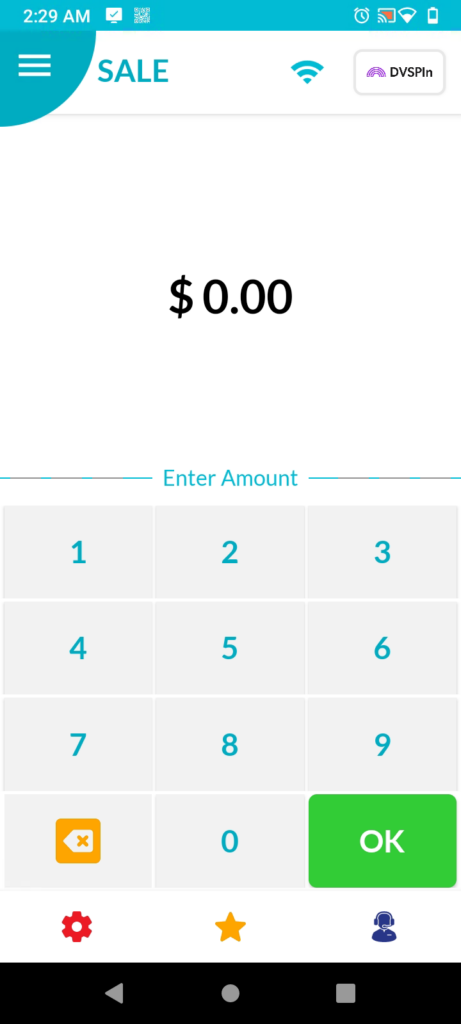
- Press the 𝝣 button on the top left.
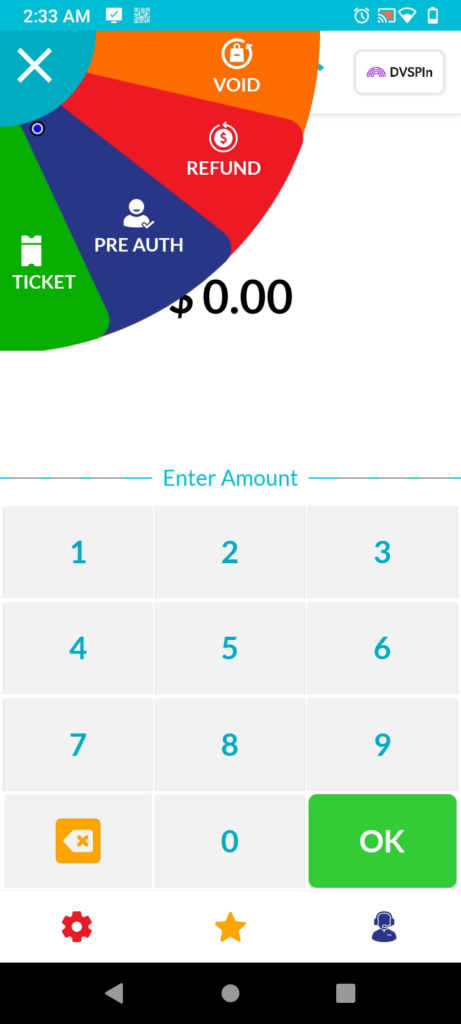
- Select the “Void” option from the fan menu.
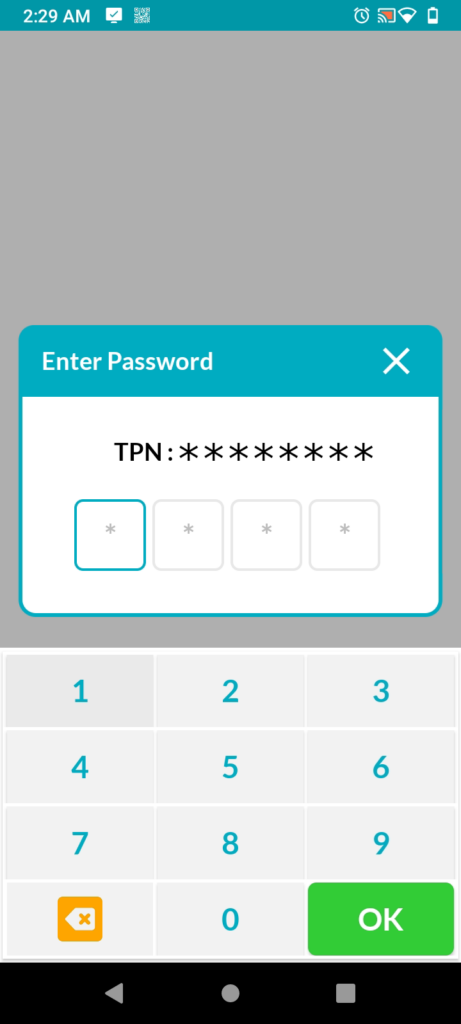
- Enter password when prompted.
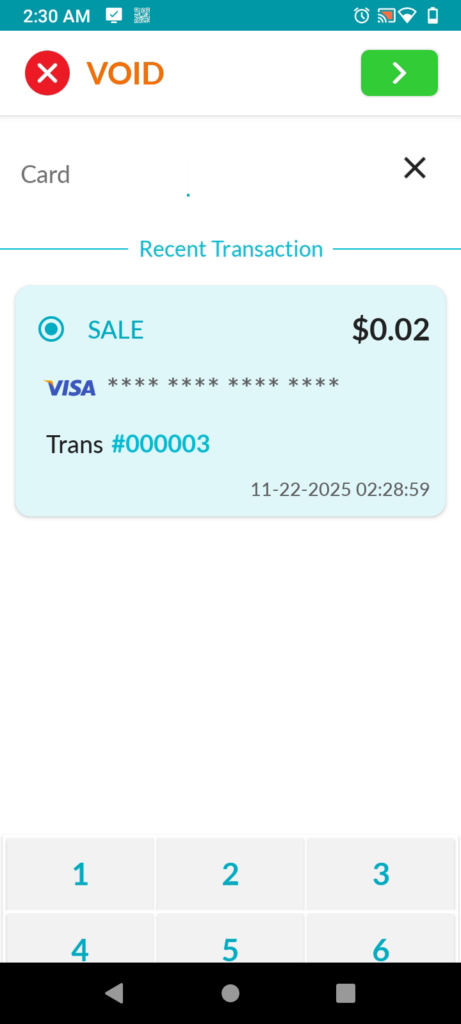
- Select the transaction you want to void then press the 〉button.
Note: The order number on the Dejavoo device is different from the order number shown in BasilPOS. Dejavoo maintains its own order number sequencing.
Select Yes