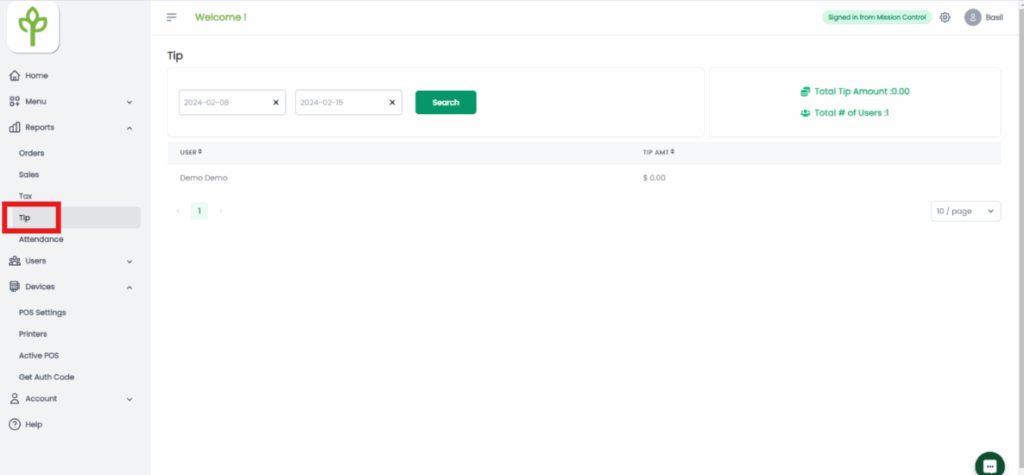
- Log in at basilbackoffice.com.
- Go to the Reports drop-down → select the Tax tab.
- The report defaults to a 1-week view, but you can adjust to any date range.
- The report displays:
- Total credit card tips per user
- Number of users within the selected time range
- Total credit card tips per user