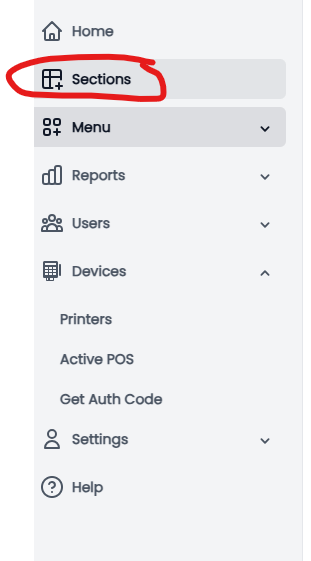
1.Navigate to the Back Office.Under the Home tab, select Sections.
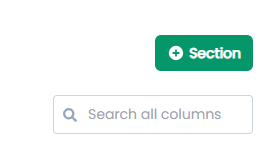
2.In the top right corner, click + Section.
3.Enter a name for the section (e.g., Dining, Bar, etc.).
Click Submit to create the section
4.Return to the Sections page and locate the section you just created.
Click the Pin icon next to the section to begin adding tables.

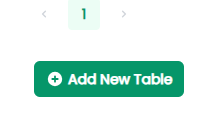
5. In the bottom left corner, select Add New Table.
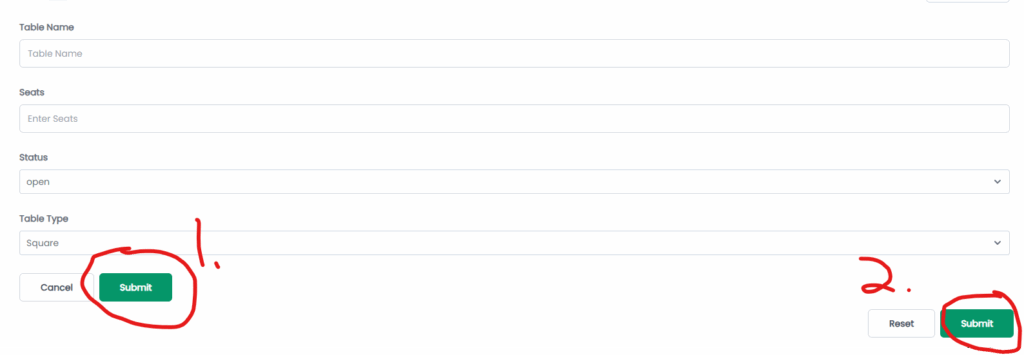
6.Fill out the required table details:
- Table Name
- Number of Seats
- Status
- Table Type
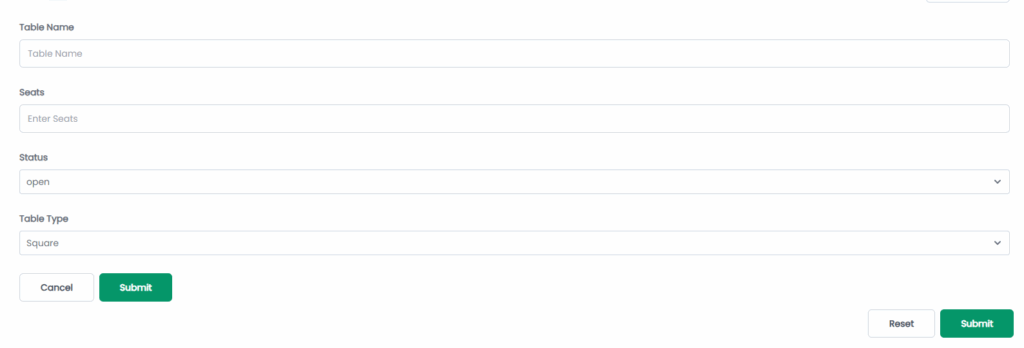
7.Click Submit on the bottom left to confirm.Then click Submit again on the bottom right to save the new table.