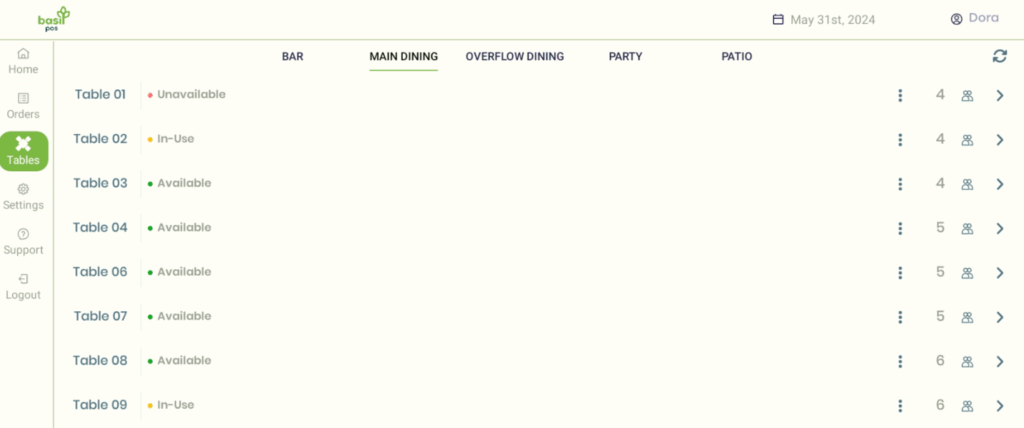
Open (Green)
- Table is ready to seat guests.
- Select the table → tap Seat → table becomes Occupied and you can enter orders.
Occupied (Orange)
- Table has active guests and orders.
- Add items to individual seats or to the whole order.
- After Payment, the table becomes Unavailable.
Unavailable (Red)
- Table is paid out but not cleared for new guests.
- To reset: select the table → tap the Clear (Green) button.