
- Locate the To Go button
- Found next to the Phone Order button.
- Found next to the Phone Order button.
- Select To Go
- Click the To Go button to mark the order.
- A message will appear on the ticket confirming it’s a To Go Order.
- Click the To Go button to mark the order.
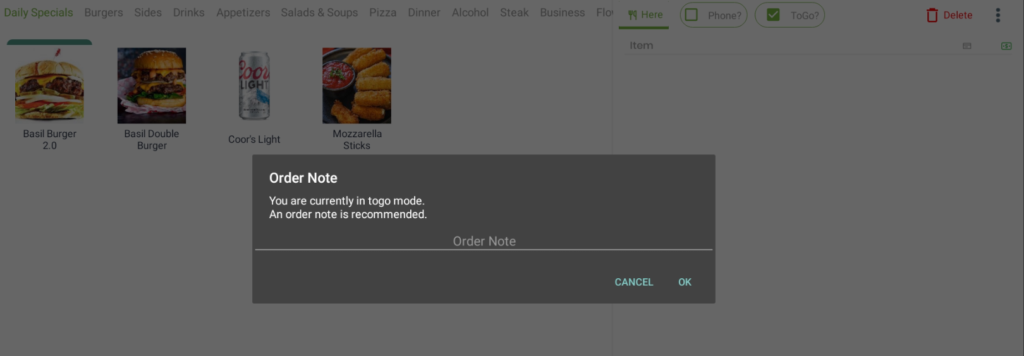
- Enter the order
- Add items and ring up the order as you normally would.
- Add items and ring up the order as you normally would.
- Order display & receipts
- The Orders screen will label it as To Go.
- Customer receipts will also show To Go.
- The Orders screen will label it as To Go.


