
In order to Print tip and signature lines on bills, you need to change the POS Tip settings to Tip Adjust
- Navigate to backoffice.com or open your BackOffice App
- On the left side menu, navigate to Devices, POS Settings and Select Tip Settings
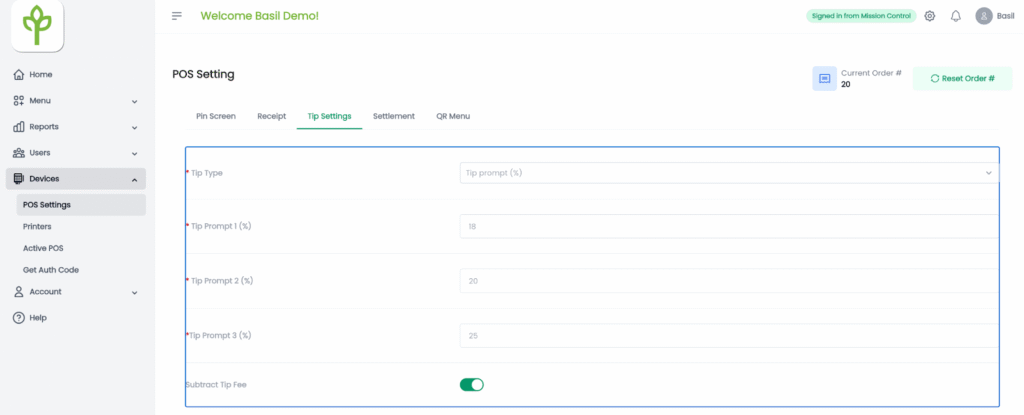
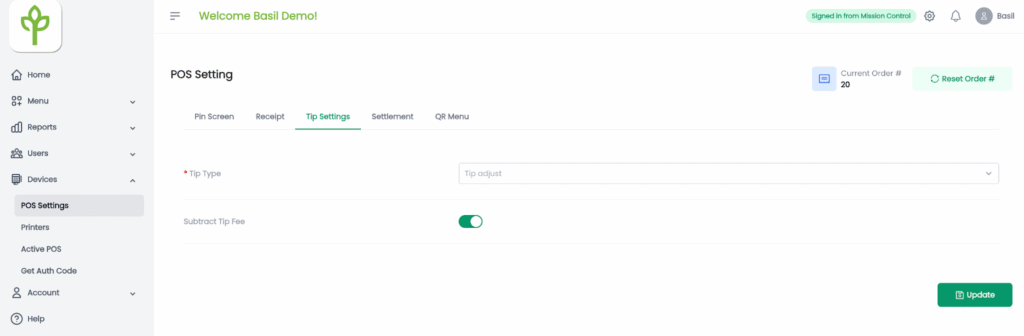
- Change the Tip Type to Tip Adjust
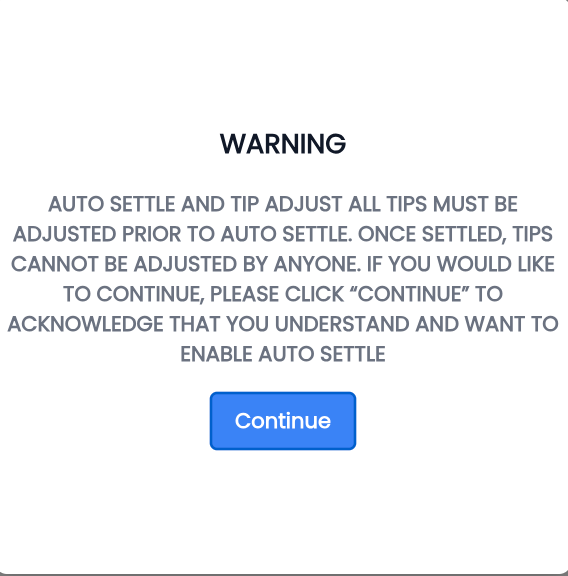
- Tap on Continue on the Warning Screen
- Tap the Update Button


