You can see the report in your back office, you might use one of the following:
- Navigate to the basilbackoffice.com or
- Open the Basil POS Backoffice app on your POS device
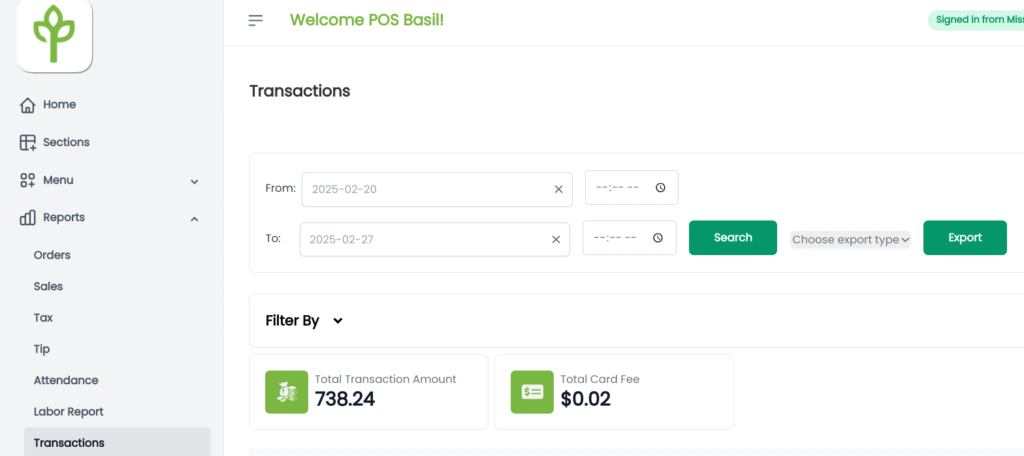
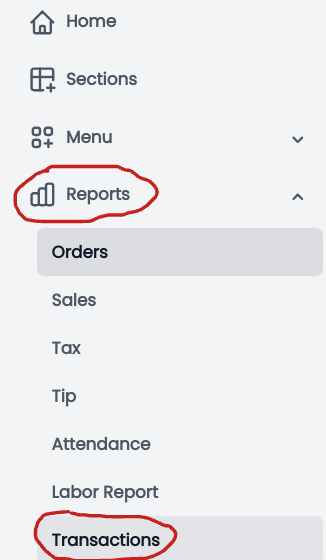
On the left side of the screen, Navigate to Reports
Next, select the dates on the right side of the screen
Tap on Search
The Total Transaction Amount and Total Card Fee will be displayed