
You can add users from your back office, use one of the following:
- Navigate to the basilbackoffice.com or
- Open the Basil POS Backoffice app on your POS device
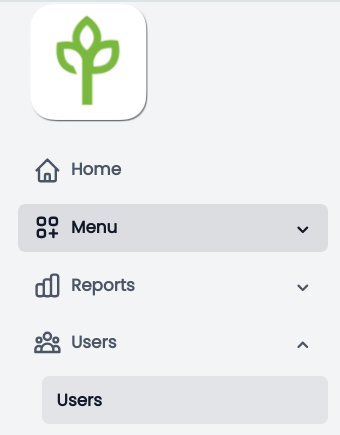
On the left side of the screen, Navigate to Users
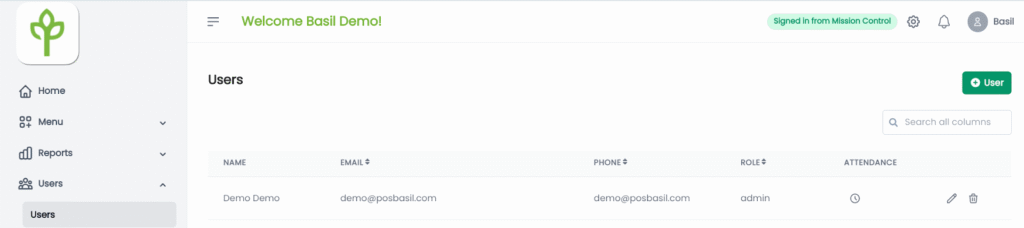
Click or tap on the +User Button on the right side of the screen
Enter the User First Name, Last Name, and select the Role
As you can see at the top of the screen, the required fields depend on the type of access for the user:
All Access requires: Email and PIN
POS Access requires: PIN
Panel Access requires: Email
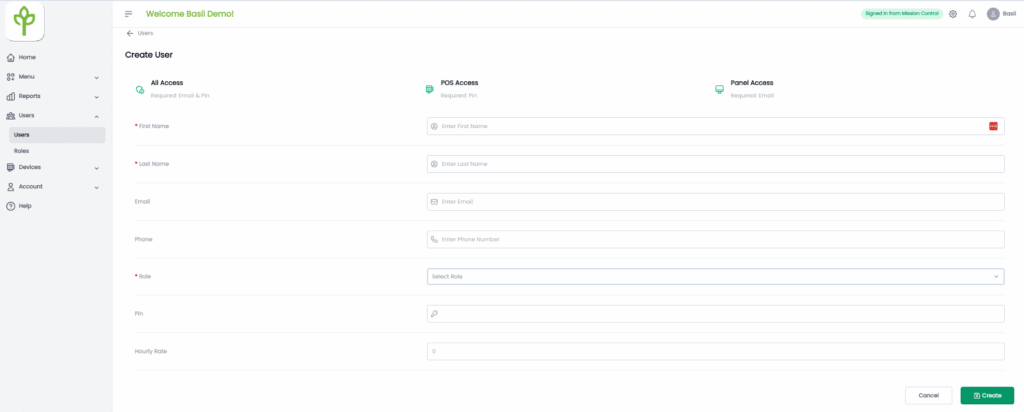
Once you enter all user information, click Create.


